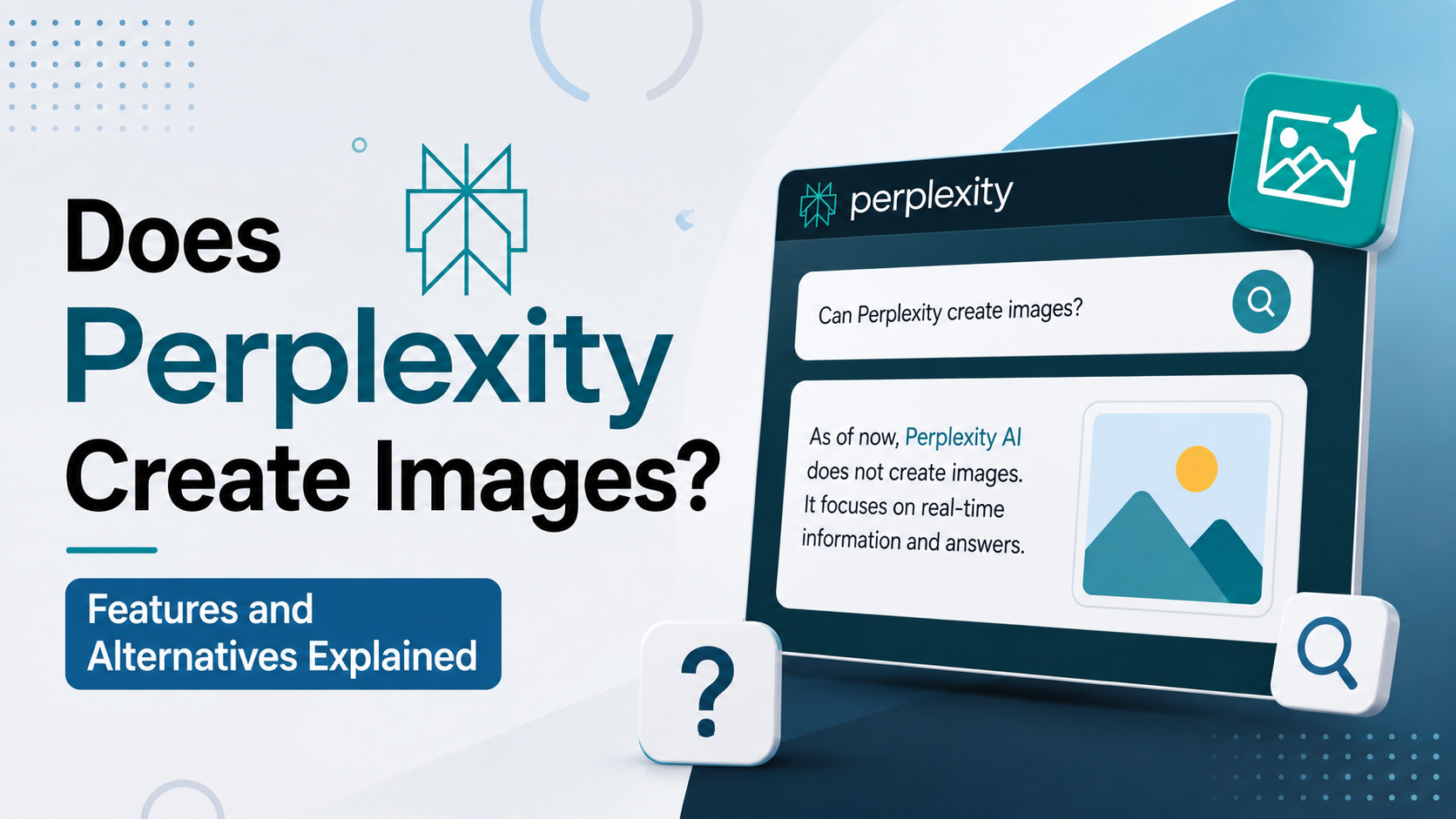
If you are asking, "does Claude generate images?", the short answer is: Claude's standard chat does not generate standalone raster images from a text prompt in the way dedicated AI image generators do. Anthropic states that Claude is limited to text-based chat output, although users can upload images for Claude to analyse. Anthropic Help Center
That distinction matters. Claude can help you plan an image, write a highly detailed prompt for another image-generation tool, analyse an existing photo or chart, and create visual assets such as SVGs, diagrams, webpages, and interactive prototypes. But it is not currently a general-purpose text-to-image generator that returns a newly rendered JPEG or PNG from a simple prompt.
For students, marketers, founders, designers, and developers in India, knowing this difference can prevent wasted time and help build a better creative workflow.
Key Takeaways
- Claude chat does not currently create conventional AI-generated images from text prompts.
- Claude can accept and analyse uploaded images, including photos, charts, screenshots, and diagrams.
- It can create SVG graphics, flowcharts, webpages, code-based visualisations, and interactive Artifacts.
- Claude is useful for writing precise prompts for a separate image-generation platform.
- Claude Design can create visual design work and prototypes, but it should not be confused with a general text-to-image raster-image tool.
- Always review AI-assisted visual content for accuracy, copyright, brand compliance, and cultural suitability.
Does Claude Generate Images From Text?
No—if by "generate images" you mean producing a new photorealistic illustration, artwork, product photo, or PNG/JPEG directly from a text prompt in normal Claude chat.
Anthropic's support documentation explicitly says that Claude is limited to text-based output through chat. It can, however, work with images that you upload. Anthropic Help Center
For example, a prompt such as:
Create a cinematic image of the Gateway of India during monsoon rain.
may lead Claude to describe the concept, propose a prompt, or help you build a design brief. It will not ordinarily return a finished raster image file.
This does not make Claude less useful for visual work. It simply means its role is different: it is stronger as a planning, analysis, writing, coding, and iteration assistant within a larger creative process.
Image Generation, Image Analysis, and Visual Creation Are Different
The confusion around whether Claude can generate images usually comes from grouping several different capabilities under the word "image."
| Capability | Can Claude help? | What it means |
|---|---|---|
| Generate a new JPEG or PNG from text | No in standard chat | Claude does not function as a general text-to-image model in chat |
| Analyse an uploaded image | Yes | It can describe, interpret, compare, extract insights, or answer questions |
| Create an SVG or diagram | Yes | It can generate code-based vector graphics and visual structures |
| Build a webpage or interactive visual | Yes | Claude can create HTML, CSS, JavaScript, React components, and Artifacts |
| Write prompts for an image generator | Yes | It can turn a rough idea into a detailed production-ready prompt |
| Edit a photo directly | Not as a built-in image editor | It can recommend edits or help prepare instructions for another tool |
Claude Can Understand Uploaded Images
Claude's image capabilities are primarily input-focused. You can upload an image and ask questions about it. Anthropic supports JPEG, PNG, GIF, and WebP uploads on Claude.ai; uploaded images can be up to 30 MB and 8,000 × 8,000 pixels. Anthropic's upload guidance
Useful examples include:
- Uploading a sales chart and asking for a summary of the trend.
- Sharing a product screenshot and requesting usability feedback.
- Adding a classroom diagram and asking for a simpler explanation.
- Uploading a poster draft and asking for clearer copy or layout suggestions.
- Sharing a menu, invoice, or table and asking Claude to structure the information.
For important financial, legal, health, or academic work, treat its interpretation as assistance—not final verification. AI can misread small text, unclear scans, or complex visuals.
What Claude Can Create Instead of AI Images
Claude can produce several forms of visual or visual-adjacent output that are valuable in real projects.
SVG Graphics and Diagrams
Claude can write Scalable Vector Graphics (SVG) code for icons, simple illustrations, infographics, charts, flowcharts, and diagrams. SVG is not the same as a text-to-image-generated photograph, but it is a real visual format that can be opened in a browser and edited in design tools.
For example, you could ask:
Create an SVG infographic explaining the UPI payment flow for a beginner, using a clean blue-and-white style.
Review the output before publishing, especially text alignment, accessibility, brand colours, and factual claims.
Webpages, Dashboards, and Interactive Tools
Claude's Artifacts feature can create standalone content such as documents, code snippets, single-page websites, SVG images, diagrams, flowcharts, and interactive React components. Anthropic's Artifacts guide
This can be practical for:
- A tuition-fee calculator prototype.
- A quiz for competitive-exam revision.
- A visual landing-page mock-up for a small business.
- An interactive budget tracker.
- A chart-based presentation of survey data.
These outputs are generally code or structured visual content, not AI-generated photographic artwork.
Claude Design and Prototypes
Anthropic also offers Claude Design, described as an Anthropic Labs research preview for creating visual work such as designs, prototypes, slides, and one-pagers. It can start from text prompts, uploaded images or documents, and codebases. Anthropic's Claude Design announcement
This is useful for interface design and prototype exploration. However, it should not be treated as proof that standard Claude chat has become a direct text-to-image generator. A working prototype, slide, or code-powered design is different from receiving a freshly rendered image asset.
How to Use Claude in an Image-Creation Workflow
The most effective approach is to use Claude before, alongside, or after an image-generation tool.
Step 1: Give Claude a Clear Creative Brief
Start with your objective, audience, platform, and brand requirements.
For example:
I need a hero-image concept for an Indian fintech app aimed at first-time salaried professionals in Bengaluru. The style should be modern, trustworthy, inclusive, and suitable for a mobile website. Avoid stereotypes and avoid using logos.
Claude can turn this into a clear brief with visual direction, colour suggestions, composition ideas, and a list of elements to avoid.


Step 2: Ask Claude to Write the Image Prompt
A good image prompt usually includes:
- Main subject
- Environment
- Composition
- Lighting
- Colour palette
- Style or medium
- Aspect ratio
- Constraints or exclusions
Example request:
Convert this brief into three detailed prompts for an external AI image generator: one photorealistic, one editorial illustration, and one flat-vector style.
Claude can produce distinct prompt options without generating the image itself.
Step 3: Generate the Image in a Suitable Tool
Use a tool that explicitly supports text-to-image generation. Before choosing one for commercial work, check its current pricing, licensing terms, privacy settings, watermark policy, and the permissions required for your intended use.
Do not assume that every AI-generated image is automatically safe to use in advertising, packaging, political communication, or client work.
Step 4: Return to Claude for Review
After generating a draft, upload it to Claude and ask for focused feedback, such as:
Review this social-media creative for readability on a mobile screen. Identify unclear text, accessibility issues, visual clutter, and anything that may not resonate with an Indian audience.
This is especially helpful when refining campaign visuals, educational materials, presentations, and product mock-ups.
Practical Prompt Examples for Claude
Claude works best when asked to solve a specific visual-planning problem.
For a Small Business
Create a visual brief and three image-generator prompts for an Instagram campaign promoting a handmade skincare brand in India. The creative should feel premium, natural, and trustworthy without making medical claims.
For Students and Teachers
I am teaching the water cycle to Class 6 students. Create a simple diagram plan, labels, and an SVG version that can be displayed in a browser.
For Product Teams
Review this app screenshot. Suggest five improvements to hierarchy, button labels, contrast, and onboarding clarity for users who may be unfamiliar with digital banking.
For Content Marketers
Write a text-to-image prompt for a blog header about remote work in India. Use a realistic but non-stereotypical home-office scene, leave negative space for the headline, and avoid visible trademarks.
Specific context produces more useful output than a vague request such as "make it look good."
Important Limitations and Responsible Use
Claude can assist with visual work, but there are practical limits.
First, do not mistake image analysis for perfect visual recognition. Anthropic's documentation advises using clear, sufficiently large images for better results. Small, blurred, pixelated, or text-heavy images may produce weaker analysis. Anthropic Help Center
Second, use human review for:
- Brand assets and final marketing material.
- Maps, technical diagrams, medical illustrations, and data charts.
- Legal, financial, or regulated communication.
- Images involving people, culture, religion, public events, or sensitive subjects.
- Copyrighted characters, logos, artwork, or requests to closely imitate a living artist's work.
Third, respect intellectual-property rights. Anthropic states that its terms and policies prohibit using its services in ways that infringe, misappropriate, or violate intellectual-property or other legal rights. Anthropic Privacy Center
For commercial teams, maintain records of source images, licences, approvals, prompts, and final edits. This is a sensible operating practice even when AI is only used for ideation.
Frequently Asked Questions
Can Claude create a PNG image from a text prompt?
Not in standard Claude chat. It can provide text, code, SVGs, diagrams, and visual concepts, but it is not a conventional text-to-image PNG or JPEG generator.
Can Claude analyse photos and screenshots?
Yes. You can upload supported images and ask Claude to describe them, identify visible patterns, summarise charts, extract relevant information, or suggest improvements. Verify critical details independently.
Can Claude make logos?
Claude can help develop logo concepts, naming directions, brand guidelines, and SVG-based draft marks. A professional designer should review originality, trademark risk, scalability, and visual quality before a logo is used publicly.
Can Claude create images through another tool?
Claude may help you work with connected creative tools or produce instructions and code for them, depending on the features available to your account. That is different from Claude itself acting as a built-in, general-purpose text-to-image model.
What is the best way to use Claude for social-media visuals?
Use Claude to define the campaign objective, audience, headline, visual hierarchy, image prompt, and review checklist. Generate the artwork in a dedicated image-generation or design tool, then use Claude to assess the draft and improve accompanying copy.
Conclusion
So, does Claude generate images? Not as standalone text-to-image artwork in standard chat. Its strength lies in analysing uploaded images and helping create the strategy, prompts, SVGs, diagrams, code, prototypes, and feedback that surround visual production.
Use Claude as the thinking and production assistant in your creative workflow: turn an idea into a detailed brief, generate stronger prompts for an appropriate image tool, then bring the resulting visual back for review. That approach is more reliable than expecting one chat prompt to handle the entire design process.