
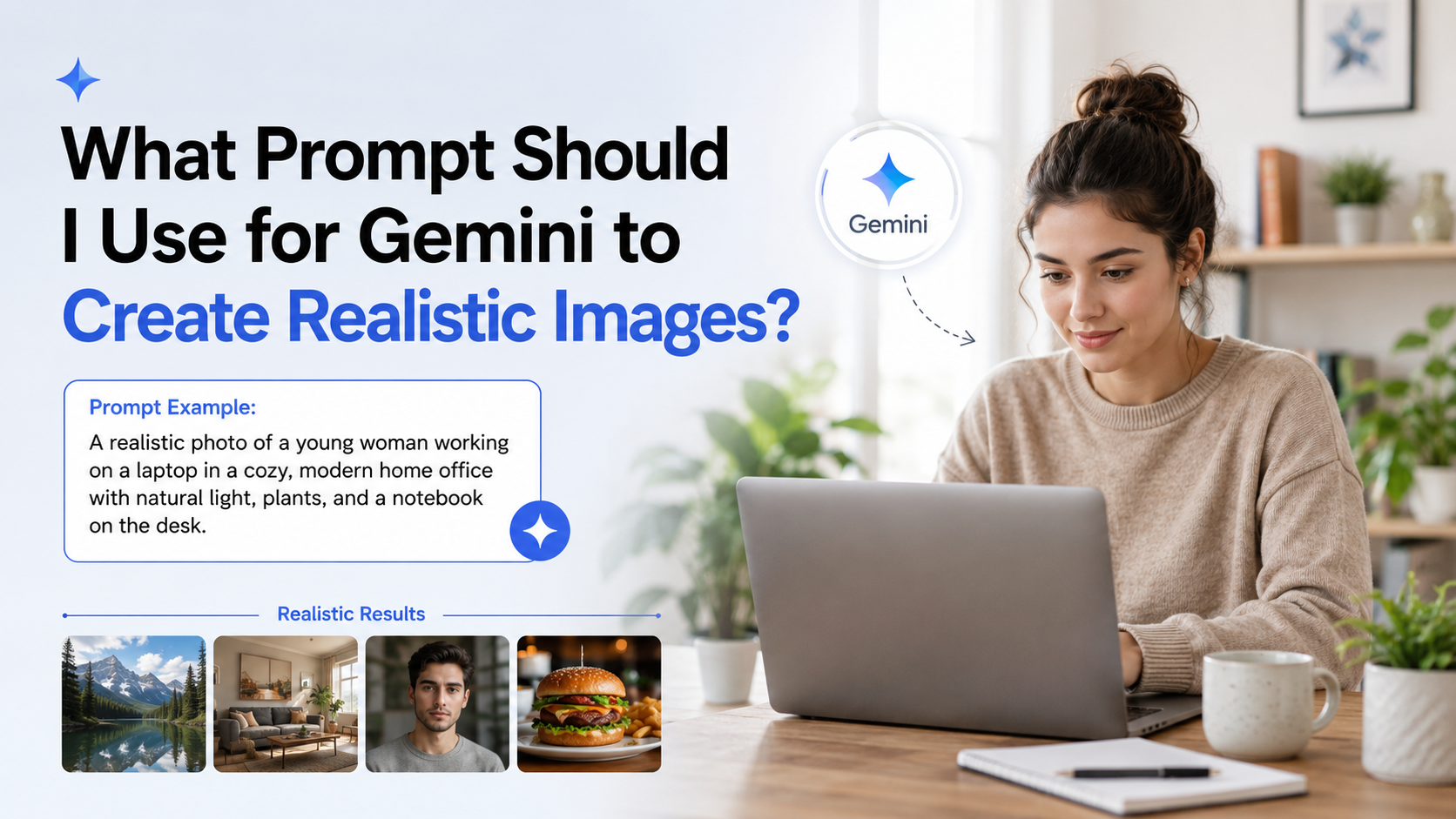
A realistic image starts with a clear visual brief, not a vague request such as "make a nice photo." The most effective gemini image prompts tell Gemini exactly what to show, where it happens, how it is framed, how it is lit, and what photographic look is required.
Google's guidance recommends specifying the subject, composition, action, location, style, and—when editing—clear change instructions. This article turns that framework into practical prompts you can adapt for products, portraits, food, travel, interiors, and social media visuals in India. Google's Gemini prompt guidance
Key Takeaways
- A strong realistic-image prompt defines the subject, setting, composition, lighting, and photographic style.
- Replace broad adjectives such as "beautiful" with visible details: materials, weather, time of day, expression, and camera angle.
- Ask for one main idea per image; overcrowded scenes are harder to control.
- Use follow-up instructions to fix one element at a time instead of rewriting everything.
- Be cautious with text, logos, exact faces, and culturally specific details—inspect outputs before publishing.
- For commercial use, avoid implying that an AI-created image is an unedited real photograph.
The Best Gemini Prompt Formula for Realistic Images
Use this adaptable structure:
Create a photorealistic [shot type] of [main subject], [action or pose], in [specific location/background]. [Lighting and time of day]. [Composition and camera perspective]. [Realistic materials, colours, and small details]. [Mood or intended use].
Here is a complete example:
Create a photorealistic editorial street photograph of a young Indian entrepreneur walking outside a modern co-working space in Bengaluru, carrying a laptop sleeve and looking naturally towards the entrance. Early-morning soft sunlight, realistic pavement reflections after light rain, medium full-body shot at eye level, shallow depth of field, authentic business-casual clothing, candid and optimistic mood.
This works because it gives the model decisions it would otherwise have to guess: the city context, action, weather, framing, lighting, wardrobe, and emotional tone.
The Six Details That Make an Image Look Real
Google identifies six useful prompt components: subject, composition, action, location, style, and editing instructions. For photorealism, add observable details rather than relying on the word "realistic" alone. Google's official prompt tips
1. Name one clear subject
Start with the most important person, product, animal, or place. Add distinguishing but relevant details.
Weak prompt:
A woman drinking tea.
Better prompt:
A middle-aged woman in a cotton kurta drinking masala chai from a small glass tumbler.
Avoid making the subject excessively complicated. If every person has a long description, the result may lose visual coherence.
2. Establish the setting
A believable environment gives the image context. Include city, room type, season, weather, surfaces, or background activity where useful.
Examples:
- "on a quiet residential lane in Kochi during monsoon season"
- "inside a sunlit Jaipur artisan workshop with wooden shelves and hand-block printed textiles"
- "in a clean Indian home kitchen with a steel tiffin box and warm window light"
Use real locations responsibly. A place name can guide atmosphere, but it does not guarantee geographic accuracy. Review signage, architecture, clothing, and landmarks before using the output in factual or travel-related content.
3. Direct the composition
Composition controls what the viewer notices first. Use simple photography terms:
| Desired result | Prompt wording |
|---|---|
| Professional headshot | "close-up portrait, eye-level framing, head and shoulders" |
| Product listing | "front three-quarter view, centred product, clean background" |
| Travel visual | "wide establishing shot, subject small in the foreground" |
| Food detail | "overhead flat lay" or "macro close-up" |
| Reels/Stories creative | "vertical portrait composition" |
| Website banner | "wide landscape composition with uncluttered negative space on the left" |
Google's developer documentation also lists useful photographic modifiers such as close-up, aerial view, natural or dramatic lighting, depth of field, bokeh, and lenses including 35 mm, 50 mm, wide-angle, and macro. Imagen prompt guide
4. Describe light, not just quality
Lighting often makes the largest difference between an artificial-looking image and a convincing one.
Try:
- "soft window light from the left, gentle shadows"
- "overcast daylight, accurate skin tones"
- "golden-hour backlighting with subtle rim light"
- "warm indoor tungsten lighting, realistic shadow falloff"
- "diffused studio lighting on a pale grey backdrop"
Rather than piling on "8K," "ultra-realistic," and "high definition," describe the physical conditions that a camera would capture.
5. Add textures and imperfections
Real life is rarely perfectly smooth, symmetrical, or spotless. Small material details make a scene more credible:
- condensation on a cold glass
- visible weave in cotton fabric
- slight creases on packaging
- natural wood grain
- subtle dust on an old bookshelf
- uneven raindrops on a window
Use these sparingly. A prompt overloaded with micro-details can distract from the main image.
6. State the intended visual style
For a lifelike result, use terms such as:
- "photorealistic lifestyle photograph"
- "candid editorial photography"
- "natural-light product photograph"
- "documentary-style travel photo"
- "professional studio product shot"
If you want an illustrated or cinematic look, say so clearly. "Realistic" and "watercolour illustration" pull in different directions.
Copy-and-Adapt Gemini Image Prompts
The following gemini image prompts are built for common use cases. Replace the bracketed text with your own details.
Product photography
Create a photorealistic studio product photograph of [product] on a matte [colour] surface. Soft diffused light from the right, subtle natural shadow underneath, front three-quarter angle, accurate material texture, uncluttered premium e-commerce style, no extra objects.


For a local business, add useful context:
Create a photorealistic product photograph of a kraft-paper box of artisanal Indian tea, arranged beside loose tea leaves and a ceramic cup. Warm morning window light, close-up editorial food photography, natural textures, clean neutral background, leave clear empty space above the product for a headline.
Indian food photography
Create a photorealistic overhead food photograph of a South Indian breakfast served on a banana leaf: crisp dosa, two small bowls of sambar and coconut chutney, and stainless-steel tumbler coffee. Soft daylight, realistic steam, natural food texture, balanced composition, editorial restaurant photography.
Do not depend on image generation for precise recipe instruction, allergy communication, or menu pricing. Treat it as a visual concept and verify all practical information separately.
Professional portrait
Create a photorealistic head-and-shoulders portrait of an Indian software professional in their early thirties, wearing a simple solid-colour shirt, seated near a large window. Soft natural light, neutral office background, eye-level camera, relaxed confident expression, authentic skin texture, professional LinkedIn-style photography.
For a specific person, use an image only with permission and inspect the result carefully. Gemini can support conversational image editing, but likeness and character consistency still require review. Gemini image editing overview
Travel and hospitality
Create a photorealistic wide travel photograph of a boutique homestay courtyard in the Western Ghats during early morning. Lush tropical plants, damp stone pathway after rain, warm lights inside, one guest reading quietly in the distance, natural mist, documentary travel-photography style.
Avoid presenting generated travel visuals as proof that a property, amenity, event, or destination looks exactly that way.
Interior design concept
Create a photorealistic interior photograph of a compact two-bedroom apartment living room in Mumbai. Light oak furniture, off-white walls, textured rug, indoor plants, large windows with soft afternoon daylight, realistic proportions, wide-angle interior photography, practical uncluttered layout.
Social media campaign visual
Create a photorealistic vertical lifestyle image for a sustainable skincare campaign: a young adult holding a simple glass skincare bottle near a bathroom window, soft morning light, muted green and cream colour palette, natural skin texture, calm minimal composition, leave empty space in the top third for text.
Refine the First Result Instead of Starting Again
Prompting works best as a conversation. Generate a solid base image first, then request focused changes. Google documents multi-step editing for generated and uploaded images, including changing backgrounds, replacing objects, and adding elements. Gemini image editing features
Use direct follow-ups such as:
- "Keep everything else unchanged. Make the light softer and reduce the shadows."
- "Keep the product shape and label placement unchanged; replace the background with pale textured paper."
- "Use the same person and outfit, but change the scene to a modern café."
- "Move the cup slightly to the right and create more empty space on the left."
- "Make the expression more natural and reduce the posed appearance."
Changing one variable at a time helps you identify what improved or weakened the image. If the output is close but not usable, describe the visible problem rather than saying only "make it better."
Common Mistakes That Reduce Realism
Using vague, conflicting instructions
"A realistic cartoon photo with dramatic soft lighting and a minimal busy background" mixes incompatible directions. Decide whether the result should be a photo, illustration, product render, or poster before prompting.
Requesting too many subjects and actions
A complex wedding scene, multiple products, detailed décor, readable signs, and precise poses can overwhelm the composition. Break the work into stages: generate the environment, then refine the people or add a product.
Treating generated text as final artwork
Google notes that text generation in images can require iteration. For best results in its Imagen guidance, keep text short—25 characters or fewer—and avoid overcrowding the design with multiple phrases. Google AI for Developers documentation
For an advertisement, generate the visual without copy and add final text, pricing, legal disclaimers, and logos later in a design tool.
Assuming cultural details are always correct
When creating India-focused visuals, specify details that matter: region, festival, clothing, food, environment, or architecture. Still check the output for inaccurate scripts, inappropriate religious symbolism, impossible combinations, or misleading stereotypes.
Skipping disclosure and review
AI-generated and AI-edited Gemini images include an invisible SynthID digital watermark, according to Google. Google's announcement Review images for errors, rights concerns, misleading context, and brand suitability before publishing.
A Practical Workflow for Better Results
- Define the job: product listing, portrait, blog hero, social post, or concept art.
- Choose one subject and one primary action.
- Add the location and time of day.
- Select framing: close-up, eye level, overhead, wide shot, or vertical.
- Specify lighting and two or three physical details.
- Generate the first version.
- Refine individual problems through follow-up prompts.
- Add final text and branding outside the generated image where precision matters.
This process is faster than trying to write one enormous "perfect" prompt. It also produces a clearer audit trail for teams approving marketing visuals.
Frequently Asked Questions
What is the best prompt for a realistic Gemini image?
Use a detailed prompt that includes subject, setting, composition, action, lighting, texture, and photographic style. For example: "Create a photorealistic medium portrait of an Indian architect reviewing plans in a sunlit studio, eye-level framing, soft window light, natural skin texture, candid editorial photography."
Should I use camera terms in Gemini image prompts?
Yes, when they serve a visual purpose. Terms such as "close-up," "wide-angle," "50 mm lens," "macro," "shallow depth of field," and "overhead view" can guide framing and focus. Do not add camera jargon randomly; simple, consistent directions are more useful than a long list of settings.
Can I ask Gemini to edit an image instead of generating a new one?
Yes. Gemini supports image editing through conversational instructions, including changes to backgrounds, objects, and additions. Be specific about what must change and what must remain unchanged. Google's Gemini image editing guide
Why does Gemini sometimes make unrealistic hands, text, or details?
Image-generation systems can still make visual mistakes, particularly with complex typography, fine details, and consistency. Google specifically notes that text rendering, stylisation, character features, and maintaining requested aspect ratios can be imperfect. Google's documented limitations
Can I use AI-generated images for my business in India?
Use them only after reviewing accuracy, permissions, platform rules, and the implications for your audience. Do not use a generated image to misrepresent a real product, person, property, event, endorsement, or result. For campaigns involving regulated products or sensitive claims, obtain appropriate legal and compliance review.
Conclusion
The right prompt for a realistic Gemini image is a concise visual brief: identify the subject, place it in a believable setting, choose the framing and light, then add a few authentic textures and details. Start with a focused prompt, refine the output one change at a time, and inspect every final image for accuracy—especially text, cultural context, products, and people. Use the templates above as a starting point, then tailor them to the specific story your image needs to tell.


