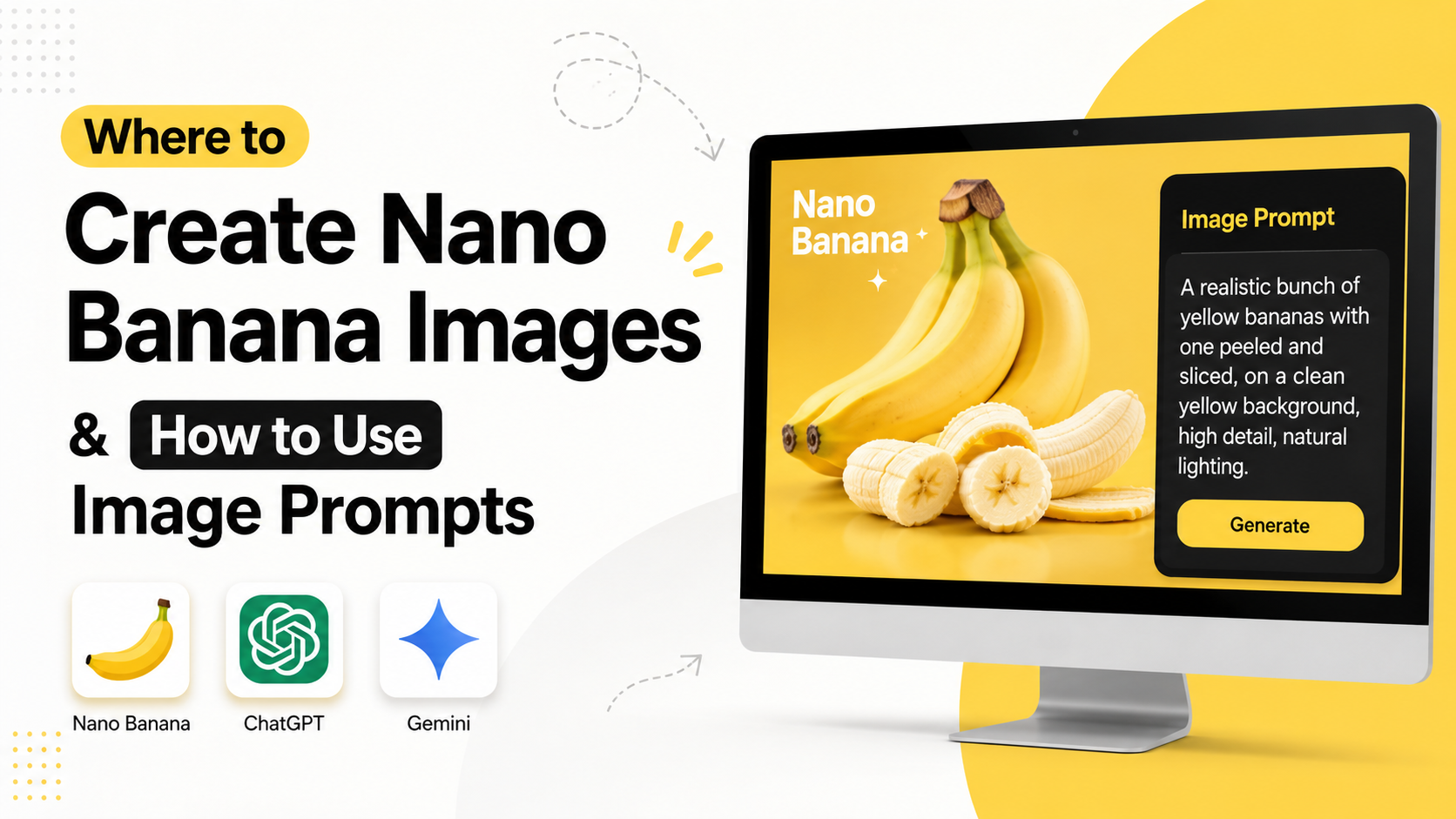
If you are searching for where to create nano banana image content, the most reliable place is Google Gemini. Google's image-generation technology is available in Gemini Apps, and developers can also use related Nano Banana models through Google AI Studio and the Gemini API.
The name has evolved. The original "Nano Banana" refers to Gemini 2.5 Flash Image, while Google's current documentation also lists Nano Banana 2 and Nano Banana Pro models. These tools can generate images from text, edit uploaded photos, combine multiple references, preserve a character's appearance and add text to designs.
This guide explains where Indian users can access Nano Banana, how to write effective image prompts, which model to choose and what limitations to consider before publishing AI-generated visuals.
Key Takeaways
- Indian users can access Gemini through the web and supported Android or iOS apps; Google lists India among supported countries.
- Gemini Apps currently use Nano Banana 2 for general image creation, while paid users may have access to Nano Banana Pro for regeneration and more complex visuals.
- Google AI Studio is useful for developers and advanced experimentation with Gemini image models.
- Descriptive, natural-language prompts generally work better than disconnected keyword lists.
- Strong prompts specify the subject, action, setting, composition, lighting, style, text and aspect ratio.
- Generated images may include Google's visible or invisible SynthID watermark, and users remain responsible for copyright, privacy and permitted use.
What Is Nano Banana?
Nano Banana is Google's informal name for its native Gemini image-generation and editing technology. The original model was officially identified as Gemini 2.5 Flash Image, introduced in August 2025.
Unlike a basic text-to-image tool, Gemini can work with text and images in the same conversation. You can ask it to:
- Create an image from a written description
- Edit an uploaded photograph
- Remove or replace selected objects
- Blend several images into one scene
- Transfer a visual style from one image to another
- Continue refining an image through multiple prompts
- Add titles, labels or other text to a design
Google's current Gemini API documentation distinguishes between several Nano Banana models:
| Model | Best suited for |
|---|---|
| Nano Banana 2 Lite | Fast, simple image generation where speed and cost matter |
| Nano Banana 2 | General-purpose creation, editing, multiple references and improved text rendering |
| Nano Banana Pro | Complex compositions, advanced control, detailed text and professional design work |
| Nano Banana (Gemini 2.5 Flash Image) | The original model, designed for fast image generation and editing |
Model names and availability can change, so check Google's current image-generation documentation before starting a commercial or automated workflow.
Where to Create Nano Banana Images in India
1. Gemini on the web
For most people, the simplest answer to "where to create nano banana image" is the Gemini web app.
- Open gemini.google.com.
- Sign in with a Google Account.
- Open the sidebar and select Images.
- Choose a template or type your own prompt.
- Review the generated image and ask for changes if necessary.
- Download the final result when it meets your requirements.
Google's Gemini Apps Help page says Gemini Apps can generate images with Nano Banana 2. Paid subscribers may also see an option to regenerate an image with Nano Banana Pro.
The exact model selector, limits and image resolution can depend on your account, subscription and region. Google currently states that images can be downloaded at up to 2K with a Google AI plan, while users without a plan may receive 1K downloads.
2. Gemini mobile app
The Gemini app is available for Android and iOS in many countries. Google's official availability page lists India as a supported country, and the Android app requires Android 9 or later with at least 2 GB of RAM.
To create an image on mobile:
- Install or open the official Gemini app.
- Sign in.
- Select the image-generation option or open the Images area.
- Enter a prompt such as "Create a realistic street-food stall in Mumbai at golden hour."
- Use follow-up instructions to refine composition, colours or objects.
- Save or share the result.
Gemini supports English and several Indian languages, including Hindi, Bengali, Gujarati, Kannada, Malayalam, Marathi, Punjabi, Tamil and Telugu. However, Google notes that individual features may have separate language and country restrictions. If image generation does not appear, update the app, confirm that you are signed in to a personal account and check Google's availability guidance.
3. Google AI Studio
Google AI Studio is intended for developers, designers and advanced users who want to test Gemini models directly.
A typical workflow is:
- Sign in to AI Studio.
- Open a chat or image-generation prompt.
- Select an available Gemini image model.
- Enter a text prompt or upload reference images.
- Test different instructions and settings.
- Export the result or use the prompt in an application.
AI Studio is particularly useful for building prototypes such as product-preview tools, poster generators, avatar applications or image-editing applets. Availability, quotas and billing can vary, so review the official Gemini API pricing page before using the API at scale.
4. Gemini API and Vertex AI
Developers can integrate Nano Banana models into websites, internal tools and mobile applications through the Gemini API. Businesses with Google Cloud workflows can evaluate Vertex AI options.
API access is different from using Gemini as a consumer. You may need a project, API key, billing setup, rate-limit planning and technical handling for image data. Use the model ID and instructions shown in Google's current developer documentation rather than relying on old tutorials, because preview model names can be retired.
How to Write a Nano Banana Image Prompt
Google's prompt guidance recommends describing a complete scene instead of listing unrelated keywords. A useful prompt normally includes:
- Subject - What should appear?
- Action - What is happening?
- Environment - Where does the scene take place?
- Composition - What should be in the foreground, middle ground and background?
- Camera or viewpoint - Is it a close-up, wide shot, overhead view or portrait?
- Lighting - Mention daylight, studio lighting, neon light or monsoon overcast conditions.
- Style - Specify editorial photography, watercolour, 3D render, documentary or another direction.
- Colour palette - State the dominant colours and contrast.
- Text - Give exact wording and preferred placement.
- Aspect ratio - Request square, portrait, landscape or a specific ratio.
A practical prompt formula
Create a [type of image] showing [subject] [action] in [location]. Use [composition], [lighting], [colour palette] and [style]. Include [specific details]. Add the exact text "[words]" in [font or placement]. Use a [aspect ratio] layout.
Example: Indian business portrait
Create a realistic professional headshot of an Indian woman entrepreneur in her early 30s, wearing a navy blazer, standing in a bright Bengaluru co-working office. Use soft window light, a clean background, natural skin texture and a confident but approachable expression. Frame it as a vertical LinkedIn portrait with shallow depth of field.
Example: Social-media food visual
Create a colourful editorial photograph of masala dosa served on a stainless-steel thali with coconut chutney and sambar. Show a South Indian breakfast table in warm morning light, with banana leaves and subtle steam. Use a top-down composition, crisp food texture and a square format. Do not add any text.
Example: Poster with text
Design a vertical event poster for a college coding workshop. Use the exact headline "Build Your First AI App" and the date "12 September 2026". Use a modern blue-and-orange technology theme, strong contrast, clear hierarchy and generous space around the text. Keep all wording correctly spelled.
For text-heavy posters, inspect every word manually. Google acknowledges that complex typography and highly nuanced requests may still need follow-up editing.
Editing an Existing Image
Nano Banana is often more useful as an editor than as a one-shot generator.
In Gemini Apps, you can open a generated image or upload a photo, then describe the change. For precise edits, identify the element and tell Gemini what must remain unchanged.
Using the uploaded image, change only the wall colour to pale sage green. Keep the furniture, people, lighting, shadows, camera angle and image aspect ratio exactly the same.
You can also combine references:
Combine the uploaded product photograph with the uploaded café background. Place the product on the wooden table, match the direction of the light and preserve the product's label and shape.
For a consistent character, repeat important identity details and make one change at a time. If the face, clothing or object changes unexpectedly, ask Gemini to restore the original feature before continuing.
Prompt Techniques That Improve Results
Use conversational refinement
Instead of rewriting the entire prompt, give focused follow-up instructions:
- "Move the subject slightly to the left."
- "Make the background less busy."
- "Keep the original face and change only the hairstyle."
- "Use softer shadows and a warmer colour temperature."
- "Remove the extra fingers and correct the hand position."
Control the camera
Photography terms can guide the composition:
- Wide-angle establishing shot
- 85 mm portrait lens
- Macro close-up
- Low-angle perspective
- Overhead flat lay
- Shallow depth of field
- Rule-of-thirds composition
Specify what to avoid
Negative instructions can reduce unwanted elements:
No watermark-like text, no extra people, no duplicate objects, no cropped hands and no logos other than the supplied brand mark.
These instructions are not guaranteed, so inspect the output carefully.
Work in stages
For a complex design, first create the scene, then refine layout, then add text. This staged process is usually easier to control than requesting every detail at once.
Indian Use Cases for Nano Banana
Nano Banana can support practical projects across India:
- Instagram creatives for local shops and restaurants
- Festival greeting cards for Diwali, Eid, Pongal or Onam
- Product mock-ups for small businesses
- Hindi or regional-language educational diagrams
- Travel thumbnails for destinations such as Jaipur, Kochi or Shillong
- Resume and LinkedIn profile images
- Real-estate staging concepts
- Classroom illustrations and visual study aids
- Packaging and poster prototypes
- Regional food photography concepts
When depicting people, clothing or cultural settings, describe details accurately and avoid stereotypes. For a local result, specify the city, architecture, climate, clothing, signage language and time of day.
Important Limitations and Safety Warnings
Google's terms and Gemini guidance place responsibility on the user. Before publishing an image:
- Obtain permission before uploading someone else's private photograph.
- Do not use a person's likeness deceptively or imply false endorsement.
- Check logos, trademarks, artwork and recognisable locations.
- Avoid generating misleading news, political or financial imagery.
- Verify facts in maps, diagrams, labels and infographics.
- Inspect faces, hands, jewellery, Devanagari text and small details.
- Confirm that commercial use complies with the relevant Google terms and your own licensing obligations.
Google says generated images include SynthID, an invisible digital watermark. Some Gemini experiences may also display a visible watermark. Watermark behaviour can differ by product and subscription.
Age restrictions also matter: Google's help documentation states that image generation requires the applicable minimum age, while image editing is restricted to users aged 18 or older.
Frequently Asked Questions
Is Nano Banana free in India?
Gemini may offer image generation to eligible users without a paid plan, but limits, model access and resolution can change. Paid Google AI plans generally provide higher quotas or access to advanced models. Check the model and usage information shown in your Gemini account.
Which website should I use to create Nano Banana images?
Use gemini.google.com for the easiest consumer workflow. Use Google AI Studio if you want to test models, build prototypes or work with the Gemini API.
Can I use Hindi prompts?
Gemini supports Hindi and several other Indian languages, but image results and text rendering may vary by language and task. For precise poster wording, place the exact text in quotation marks and proofread the output.
Can Nano Banana edit my uploaded photo?
Yes. Gemini Apps support editing generated images, uploading an image for edits and combining multiple uploaded images. Editing availability can depend on age, account type, country and language.
Why does my generated image look different from the prompt?
Image models interpret instructions probabilistically. Improve results by simplifying the scene, describing the composition in order, specifying what must stay unchanged and refining one detail per follow-up prompt.
Conclusion
For Indian creators, the most accessible place to create Nano Banana images is Google Gemini on the web or mobile. Google AI Studio and the Gemini API provide deeper control for developers and businesses. Although the original Nano Banana model was Gemini 2.5 Flash Image, Google now offers newer Nano Banana 2 and Nano Banana Pro options in some Gemini experiences.
Start with a descriptive scene, include composition and lighting details, use reference images when needed and refine the result conversationally. Before sharing or selling an image, check accuracy, consent, copyright, cultural representation and watermark requirements. With that workflow, Nano Banana can become a practical tool for marketing, education, design and everyday visual storytelling.